Download
Forum
Manual
Contact
Cart
Login
Forum
/
How To & Support
Sign in
or
create an account
to post and reply.
How To & Support
Newest
Most Active
Topic
Member
Replies
Last Activity
Small Circle Stitch Help
creativepsy
1
Fri, Sep 18, 2026
Hello! I love the small circle stitch option, but when I download the png, it becomes a full square. Is it possible to download this so the small circle stays as a small circle?
missing DMC colours?
Lauralove
2
Wed, Sep 16, 2026
Trying to add DMC 3378, which is a current DMC colour -- but it says it's not found. Is there a "version" of DMC that is supported / can it be updated to whatever the latest is?
Symbols not appearing in pdf
ginandstitches
1
Tue, Aug 4, 2026
Hi. I'm working on my first pattern (attached), and I think I'm missing something. I've exported the design as a pdf, but when I view the pdf the colors appear but the symbols do not. Two questions:1)
How to copy between canvases
SirThreadington
0
Wed, Jul 15, 2026
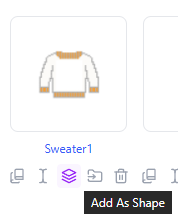
The easiest way to reuse a pattern across canvases is the Shape Library:Create (or open/copy/adjust) a canvas containing just the part you want to reuse, and save it.From the home page, click Add as S
Drawing design on ipad
MamaSher
1
Thu, Jun 25, 2026
Is it necessary to have an Apple Pencil to draw a design on an iPad?
Long Stitches / Backstitches
croyal
1
Sun, May 10, 2026
Is there a way to add backstitches to designs? On this same line, is there a font that is done in backstitch/long stitch?
Tutorials
Sarah_stitches
2
Fri, May 1, 2026
Hello! I love the platform I would love video tutorials on how to use the platform more. Being a beginner it would be helpful, but this is by far the best app!
Saving Between 2 Devices
FloridaShell352
1
Thu, Apr 30, 2026
I am using the stitchalot app on my desktop computer and on my ipad. Is there a way to share my files between the two devices?
Image Import & Conversion
SirThreadington
4
Tue, Aug 4, 2026
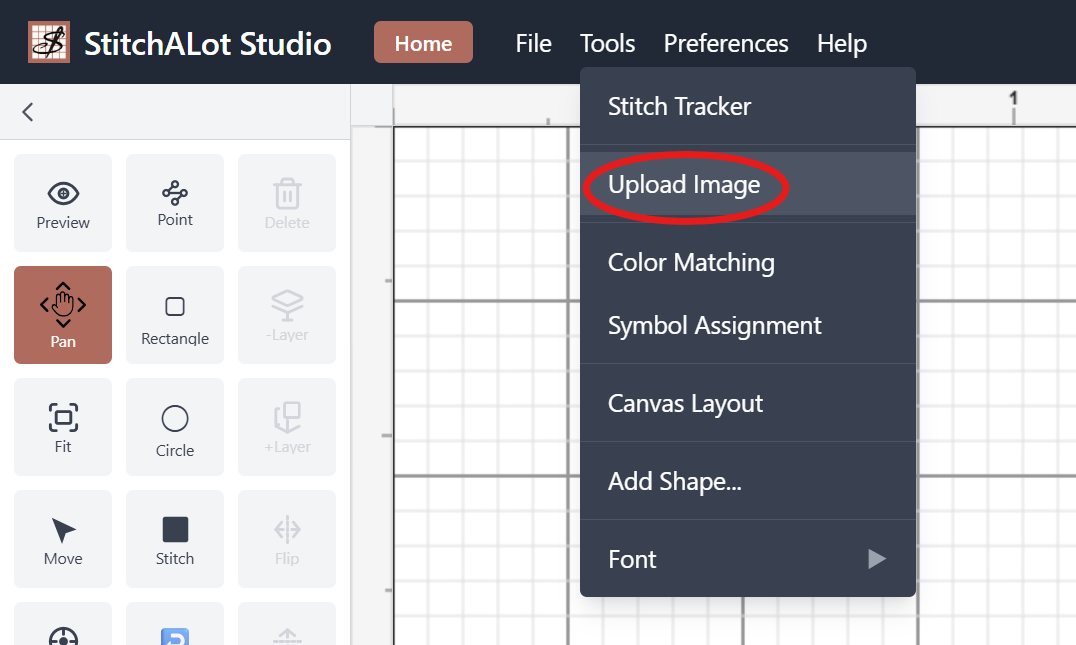
StitchALot Studio has the ability to import PNG, JPG, BMP, GIF, WebP, SVG images. They can be converted to a pattern or used as a reference overlay. This tutorial will cover uploading an image and con
Activate license on multiple devices
SirThreadington
0
Sun, Apr 12, 2026
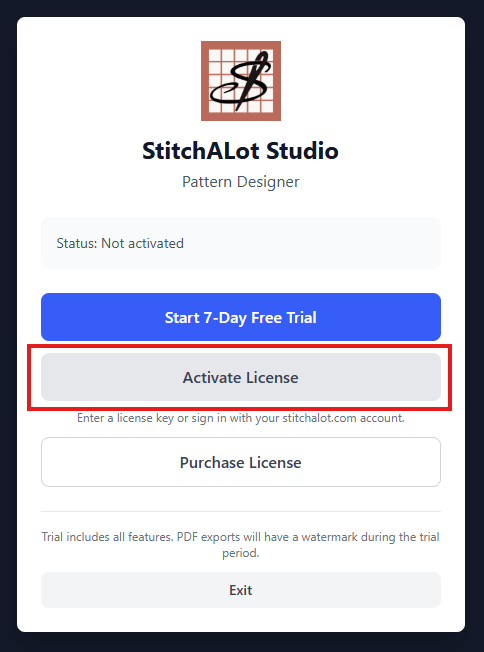
After purchasing you can have two devices active at one time. For example a Laptop and an Ipad. The easiest way to activate the license is choose activate license.Choose sign in and enter your account