
How to copy between canvases
SirThreadingtonJul 15, 2026, 4:00:45 PMHow To & Support
The easiest way to reuse a pattern across canvases is the Shape Library:
Create (or open/copy/adjust) a canvas containing just the part you want to reuse, and save it.
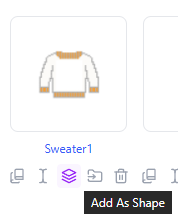
From the home page, click Add as Shape on that canvas.
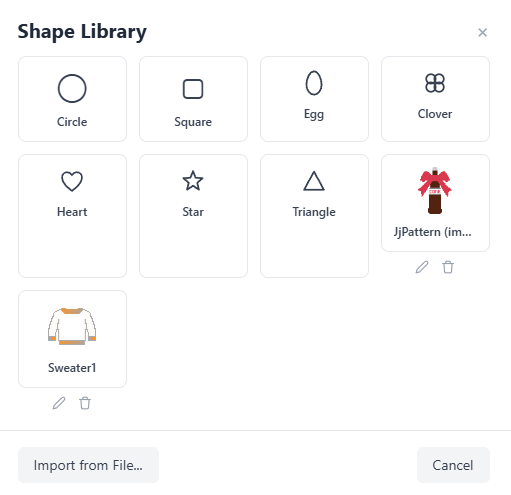
Open your destination canvas and go to Tools > Add Shape…
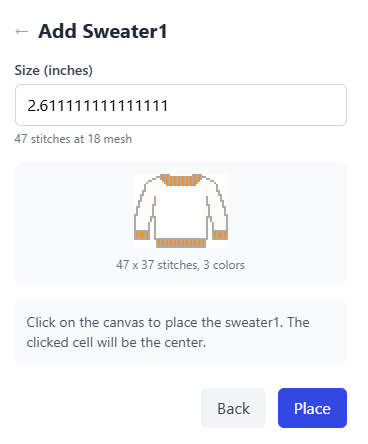
Pick your shape, set the dimensions, and click Place.
Note the shape is a snapshot, changes to the original canvas afterward won't update it.
Tip: place the shape on its own layer so you can hide, move, or adjust it later without touching the rest of the canvas.
Emote post:
0 Replies
Sign in to reply