Introducing StitchAlign Studio
Hello, stitchers! You've seen StitchAlign on the canvases we print for you. Now you can print them yourself. StitchAlign Studio is our new desktop app that prints StitchAligned needlepoint canvases on your own xTool M2, with one clear color on every intersection, in three easy steps.
What StitchAlign does
Real canvas is never exactly its mesh, and its threads bend. StitchAlign creates a perfect match and fits your design to it, so:
Every intersection gets one color. Each thread intersection gets a single, vibrant color, so you always know what to stitch.
Everything stays lined up, corner to corner. Borders, shapes and lettering stay true across the whole canvas.
Edges stay crisp. Each color stops where its intersection ends, without blending into the next.
It's the same StitchAlign printing we use for our own canvases, now in your studio.
Three easy steps
Calibrate once for each machine. Then, for every canvas:
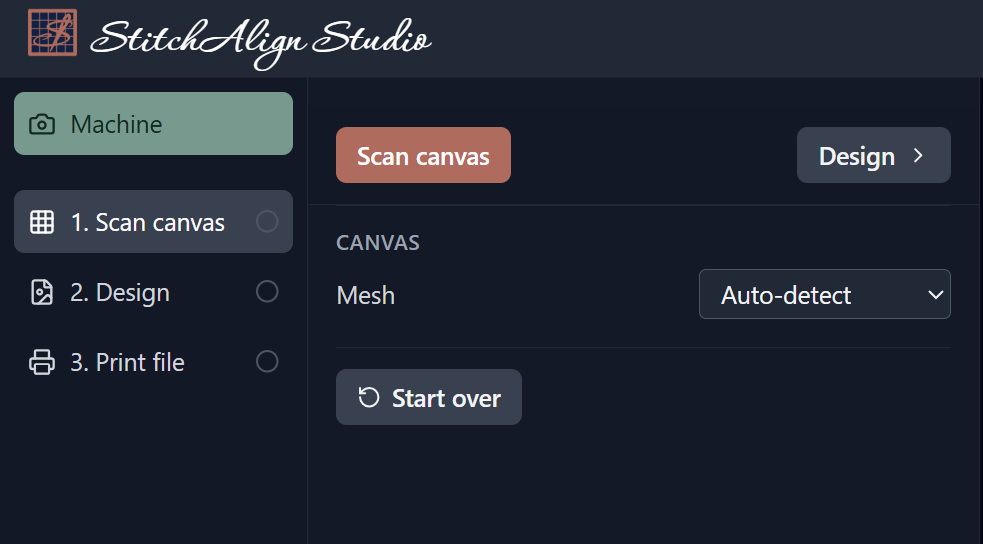
Scan the canvas. Scan your blank canvas, and our servers measure its mesh.
Choose your design. Open a StitchALot Studio design, or a Stitchly or OXS file, and place it on the canvas. Add a color key or your logo if you like.
Print. StitchAlign Studio makes the print file, and your M2's inkjet module prints it.
Running more than one M2? StitchAlign Studio works with several at the same time.
Pay only for what you print
Printing uses credits: one credit per square inch of design. The border, color key and your logo are free. Credits never expire, and you can buy them right from the app. If a print is interrupted, making the same print file again is free for 24 hours.
Try it free: every account gets 3 free sample prints (Fish, Mushroom or Owls), so you can see StitchAlign on your own machine before buying any credits.
What you'll need
An xTool M2 with the inkjet module, and xTool Studio
A Mac or Windows computer with an internet connection
A stitchalot.com account
A design from StitchALot Studio, or a Stitchly or OXS file
See how it works and check credit prices at stitchalot.com/stitch-align/studio, then download StitchAlign Studio and print your free samples.
No M2? We'll still print StitchAlign canvases for you. See stitchalot.com/stitch-align.
Questions? Ask us on the forum.
Happy stitching,
The StitchALot team
0 Replies
Sign in to reply